![“I wasn't discouraged by some of the obstacles we faced. I learned a lot from the leadership. I found that different people need different ways of receiving feedback — you can't [just] tell them to do something and expect the best. [Some] people needed more incentive. A large part of my role was to figure out what worked for everyone and to figure out how to lead all these separate individuals as a team,” Suhana Bhandare (’26) said.](https://harkeraquila.com/wp-content/uploads/2026/06/SuhanaBhandare_JasmineHansra-1-1200x798.jpg)


![“This is actually from Randy Pausch Randy P. Brick: ‘Walls are there for a reason. You have to show how much you want to overcome them.’ You have to show how much you want something. That's what I've always been able to do with tennis, Link Crew and getting that internship [with Kushy Baby]. It’s important pushing through that — getting around that brick wall, climbing over it or clawing through it,” Yash Sachdeva (’26) said.](https://harkeraquila.com/wp-content/uploads/2026/05/YashSachdeva_RamBatchu-copy-1200x1002.jpg)









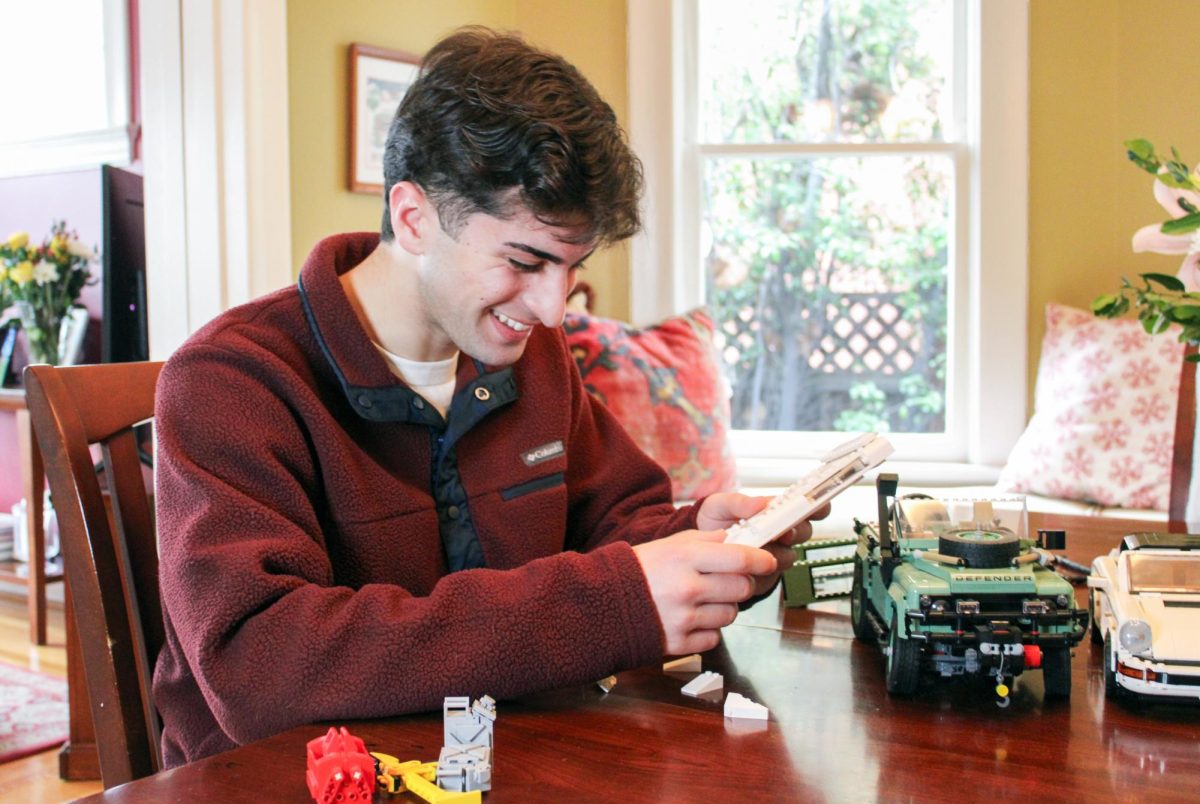






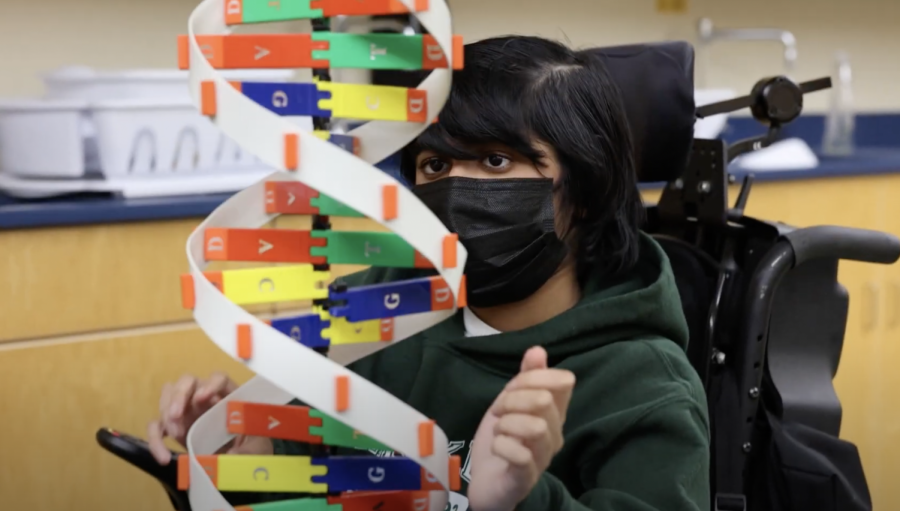
![“[Building nerf blasters] became this outlet of creativity for me that hasn't been matched by anything else. The process [of] making a build complete to your desire is such a painstakingly difficult process, but I've had to learn from [the skills needed from] soldering to proper painting. There's so many different options for everything, if you think about it, it exists. The best part is [that] if it doesn't exist, you can build it yourself," Ishaan Parate said.](https://harkeraquila.com/wp-content/uploads/2022/08/DSC_8149-900x604.jpg)



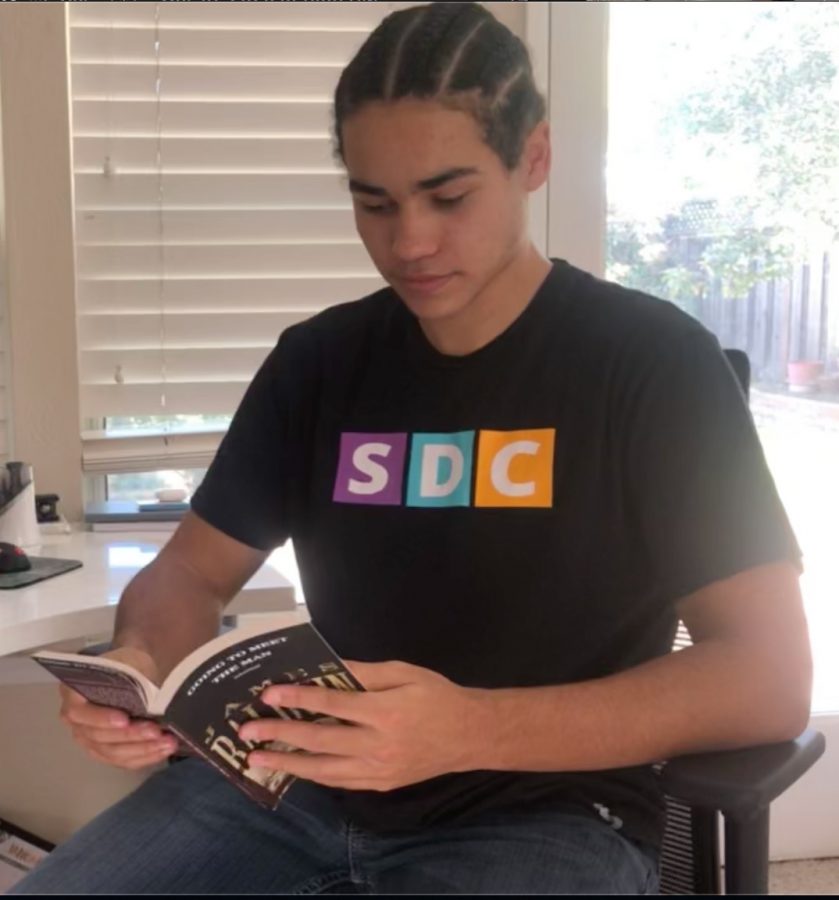
![“When I came into high school, I was ready to be a follower. But DECA was a game changer for me. It helped me overcome my fear of public speaking, and it's played such a major role in who I've become today. To be able to successfully lead a chapter of 150 students, an officer team and be one of the upperclassmen I once really admired is something I'm [really] proud of,” Anvitha Tummala ('21) said.](https://harkeraquila.com/wp-content/uploads/2021/07/Screen-Shot-2021-07-25-at-9.50.05-AM-900x594.png)







![“I think getting up in the morning and having a sense of purpose [is exciting]. I think without a certain amount of drive, life is kind of obsolete and mundane, and I think having that every single day is what makes each day unique and kind of makes life exciting,” Neymika Jain (12) said.](https://harkeraquila.com/wp-content/uploads/2017/06/Screen-Shot-2017-06-03-at-4.54.16-PM.png)






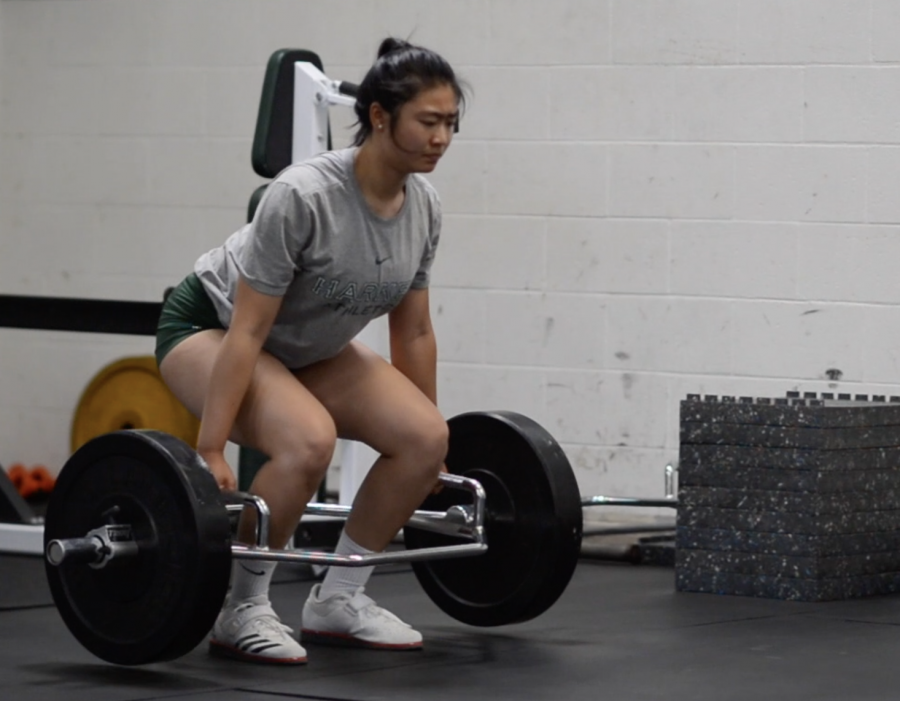

![“My slogan is ‘slow feet, don’t eat, and I’m hungry.’ You need to run fast to get where you are–you aren't going to get those championships if you aren't fast,” Angel Cervantes (12) said. “I want to do well in school on my tests and in track and win championships for my team. I live by that, [and] I can do that anywhere: in the classroom or on the field.”](https://harkeraquila.com/wp-content/uploads/2018/06/DSC5146-900x601.jpg)
![“[Volleyball has] taught me how to fall correctly, and another thing it taught is that you don’t have to be the best at something to be good at it. If you just hit the ball in a smart way, then it still scores points and you’re good at it. You could be a background player and still make a much bigger impact on the team than you would think,” Anya Gert (’20) said.](https://harkeraquila.com/wp-content/uploads/2020/06/AnnaGert_JinTuan_HoHPhotoEdited-600x900.jpeg)

![“I'm not nearly there yet, but [my confidence has] definitely been getting better since I was pretty shy and timid coming into Harker my freshman year. I know that there's a lot of people that are really confident in what they do, and I really admire them. Everyone's so driven and that has really pushed me to kind of try to find my own place in high school and be more confident,” Alyssa Huang (’20) said.](https://harkeraquila.com/wp-content/uploads/2020/06/AlyssaHuang_EmilyChen_HoHPhoto-900x749.jpeg)



Let’s be clear: I love my Mac. I love its pleasing aesthetics, its oh-so-convenient Dock, and its flashy dashboard widgets. I love its user-friendly organization, its applications, and its speed. So when I set out to try Windows 7, I was ready to complain.
But I was caught off-guard. Windows 7 was surprisingly attractive and easy to use. With smooth animations and 3-D graphics, it preserves much of the visually pleasing look of Windows Vista but runs more quickly and is more user-friendly.
First off, Windows 7 is remarkably customizable. Users can personalize everything, including the obligatory desktop and screensaver, the exact hue and opacity of toolbars, and, quite significantly, the taskbar.
The Windows 7 taskbar, no longer a simple row of opened windows, epitomizes “new and improved.” As with Apple’s lovely Dock, users can permanently pin applications and folders to the taskbar for easy access. But it has a unique winning feature: when the user hovers the mouse over the icon of an open application, mini screen captures of all currently open windows and tabs of that application show up. Mousing over a screen capture opens a full-screen preview of that window; clicking on the capture opens the corresponding window.
There are a number of other flashy new organizational features. With “Shake,” the user can minimize all windows except one by clicking on the upper toolbar of the desired window while shaking the mouse. With “Snap,” the user can maximize a window by dragging it to the top of the screen or automatically fit two windows side-by-side to half-size by dragging them to opposite sides of the screen. And with “Aero Peek,” the user can turn all open windows into transparent contours, revealing the desktop underneath, by placing the cursor over the lower right corner of the screen. These features are pretty much Windows’s versions of Apple’s Dock Exposé.
All the applications that I use regularly on my Mac or their Windows equivalents run fine on Windows 7. iTunes plays songs and videos smoothly, Windows Media Player shows television programs and DVDs flawlessly, and instant messaging programs have no problem. Both Internet Explorer and Firefox function perfectly, and so does the Microsoft Office suite.
Some faults do nag, however. As I sit here typing this review, from time to time, random tooting sounds break my train of thought. Sometimes, a tinkling sound accompanies my clicking. I have no idea why the sound effects are there, nor do I know how to stop them.
Moreover, the Windows designers may have taken the page preview idea a bit too far. When viewing PDF files, dragging down the scrollbar does not take you through the pages. Instead, small screen captures of the pages, much like those of the taskbar, show up and give previews of the pages “scrolled” through. However, the pages of a PDF file usually look awfully similar to each other, and the screen captures are too small to distinguish any detail beyond fuzzy little ant text, so the preview ability can make hunting for a certain page slightly painful.
Minor problems aside, Windows 7 is overall quite pleasant to use. It is a far cry from the painfully uptight, pragmatic Windows XP and is quicker and much more useable than Vista. So, should PC users upgrade?
I upgraded a Windows Vista computer. The installation process itself did not take much time; I only had to leave the computer alone and let the upgrade application run for an hour and a half. Additionally, upgrading from Vista leaves all files, folders, and programs intact and usable.
What took time was the preparation. A number of applications and device drivers from Vista were incompatible with Windows 7 and required visiting their makers’ websites to download the newest Windows 7-friendly version.
However, upgrading from XP is not so simple. In fact, it sounds downright painful. According to the installation manual, XP users must back up all their files and then clear the hard disk—files, programs, settings, everything—before installing Windows 7. Afterwards, they have to restore all the files, re-install programs, and update everything to make sure all is Windows 7-compatible. Microsoft includes an Easy Transfer Wizard in the package, but the Wizard helps transfer only files, not programs.
It all comes down to one question: is getting Windows 7 worth the time and money? If you currently have a Mac, don’t bother switching. Although your Dock doesn’t have the novel preview feature, and you can’t “Aero Peek” or “Shake” or “Snap,” your computer is already aesthetically pleasing, and your programs probably run just fine. There’s a reason why you’re a Mac person.
As for Windows users, if you have an XP computer and you care about aesthetics, go for it, but wait until winter vacation or summertime, when you have more time and the possibility of losing files is not as catastrophic. If you have Vista, upgrade if you’re dissatisfied with speed or really want those new organizational features. Otherwise, save the money and buy some clothes. Or an iPod. Or something else.
Rating: 4/5—Windows 7 is functional, visually appealing, and runs efficiently, but may not necessarily be worth the time and money of upgrading.